Digital Products on Etsy: Build Them Fast, Publish Them on a Schedule
Updated 2026-06-19 · 3 min read
On this page
Digital products are the highest-margin thing you can sell on Etsy: you make the file once and sell it again and again, with no materials and no shipping eating into each order. The catch is that the work doesn’t disappear — it moves. Instead of making each unit, you’re making each listing: a title, 13 tags, a description, and the fields, over and over.
So the question that decides whether a digital shop grows isn’t “what should I make?” — it’s “how do I get listings out the door fast and keep them coming?” This guide covers how to make the listing work fast, how to build each listing right, and how to publish a collection on a schedule instead of dumping it all at once.
The real bottleneck isn’t the file
Most digital sellers can produce files quickly — a planner, an SVG bundle, a print. What slows them down is everything after: writing a title that ranks, filling all 13 tags across keyword clusters, drafting a description, and doing it again for the next twenty products. That’s the repetitive listing work, and it’s where shops stall out at exactly the point they should be scaling.
This is the part tusella takes off your plate. It drafts the title, tags, and description from your product details, lets you bulk-apply changes across a whole collection of similar listings, and holds it all in one review where you approve each before it publishes. The listing work that used to cost an evening per product becomes an afternoon for the batch — and nothing reaches your live shop until you’ve seen it. If you want to see how the drafting works on its own, the AI Etsy listing creator does the same title-tags-description pass for a single product.
Publish on a schedule, not all at once
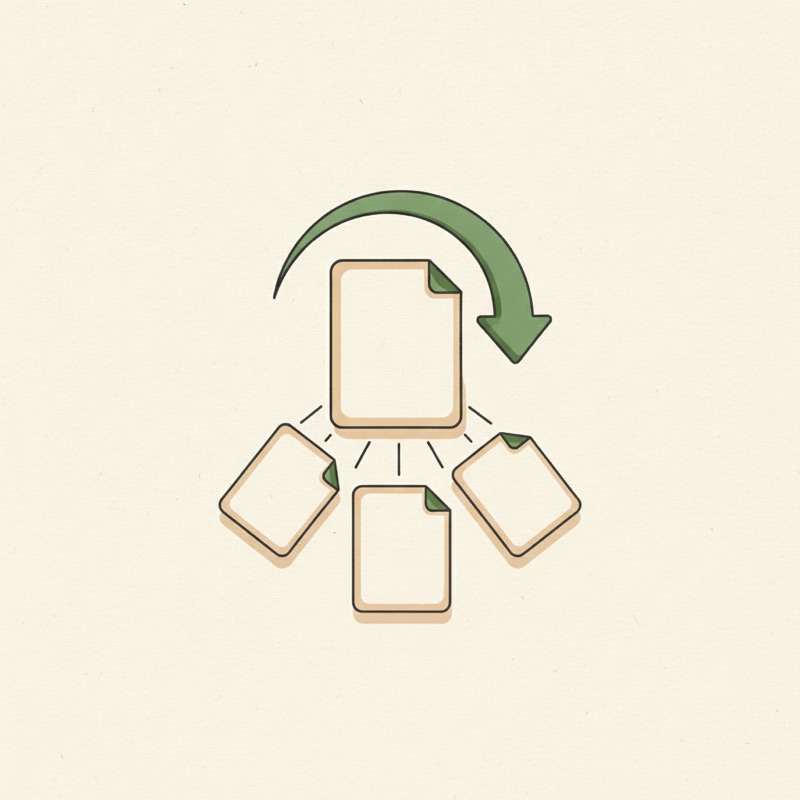
Once a collection is built, the instinct is to publish the whole thing the day it’s ready. A steadier approach works better. tusella lets you prepare listings ahead and queue them, so you can batch-produce a collection and release it on a cadence rather than in one flood.
Two reasons that pays off:
- A shop that adds new listings steadily reads as active, and Etsy’s search leans toward fresh, active shops more than toward one big drop followed by weeks of silence.
- Spacing releases lets the first few teach you something — which titles and tags actually land — so you can sharpen the rest before they go out, instead of committing your whole collection to a guess.
Every scheduled listing still passes through the same review before it goes live. Planning ahead never means handing over the publish button — it means the busywork is done early and the decision still waits for you.
Build the listing right while you’re at it
Faster and scheduled only helps if the listings are good. The same fundamentals apply to digital products as physical ones: front-load your keyword in a readable title, use all 13 tags across clusters, and open the description with the keyword and what the buyer gets. The titles and tags guide walks through how to cluster keywords so your 13 tags don’t overlap.
Run a draft through the listing SEO scorer, keep your titles and tags inside the limits, and price even zero-material products deliberately with the margin calculator — Etsy’s fees still apply to every digital sale.
Start with one listing
You don’t need a whole collection to feel the difference. Draft a single digital listing’s title, tags, and description, score it, and price it — then, once the workflow clicks, batch the rest and queue them on a cadence.
Frequently asked questions
Are digital products good to sell on Etsy?
They're among the best margin products on Etsy. There's no per-order material cost and no shipping — you create the file once and sell it repeatedly, so after Etsy's fees you keep most of each sale. Printables, planners, templates, wall art, and SVGs are popular categories. The work shifts from making each unit to making the listing findable.
How do I publish digital listings faster on Etsy?
The slow part isn't the file — it's the listing: the title, the 13 tags, the description, and the fields, repeated for every product. tusella drafts those for you from the product details and lets you bulk-apply across similar listings, then holds everything in one review where you approve before it publishes. A batch that took an evening each becomes an afternoon for the lot.
Can you schedule Etsy listings to publish later?
You can plan them ahead instead of publishing everything the day it's ready. tusella lets you prepare listings in advance and queue them, so you can batch-produce a collection and release it on a cadence — a steady drip of new listings rather than a flood and then nothing. Each scheduled listing still passes through your review before it goes live.
Why publish digital listings on a schedule instead of all at once?
A steady stream of new listings keeps a shop looking active, which Etsy's search rewards more than a single big drop followed by silence. Spacing releases also lets you learn from the first few — which titles and tags land — and apply that to the rest before they go out.
Does tusella work for digital download shops?
Yes. Digital shops live or die on listing volume and SEO, which is exactly the repetitive work tusella takes off your plate — drafting titles, tags, and descriptions, bulk-editing across a collection, and letting you plan releases ahead. You approve every change before it reaches your live shop.
Made by Etsy sellers — try tusella
AI drafts your Etsy listings; you approve every change before it goes live.
Apply for early access